You must have two or more servers to use vRacks
On supported servers, you can order a **Virtual Rack (vRack)** and place your infrastructure inside it. A vRack allows you to interconnect your servers and IP blocks over a secure, private Layer‑2 network. This makes it possible to build private clusters, internal networks, and multi‑server architectures without exposing traffic to the public internet. A vRack can span **multiple datacentres and even multiple countries**, allowing you to link servers across regions as if they were on the same local network. When combined with **Network Attached Storage (NAS).** vRack becomes a powerful tool for building high‑availability environments. Only **Failover IP blocks** can be placed into a vRack. These can be ordered from the **Infrastructure** tab or directly from your client area at: [https://my.f2h.cloud](https://my.f2h.cloud). IP delivery is automated after payment. [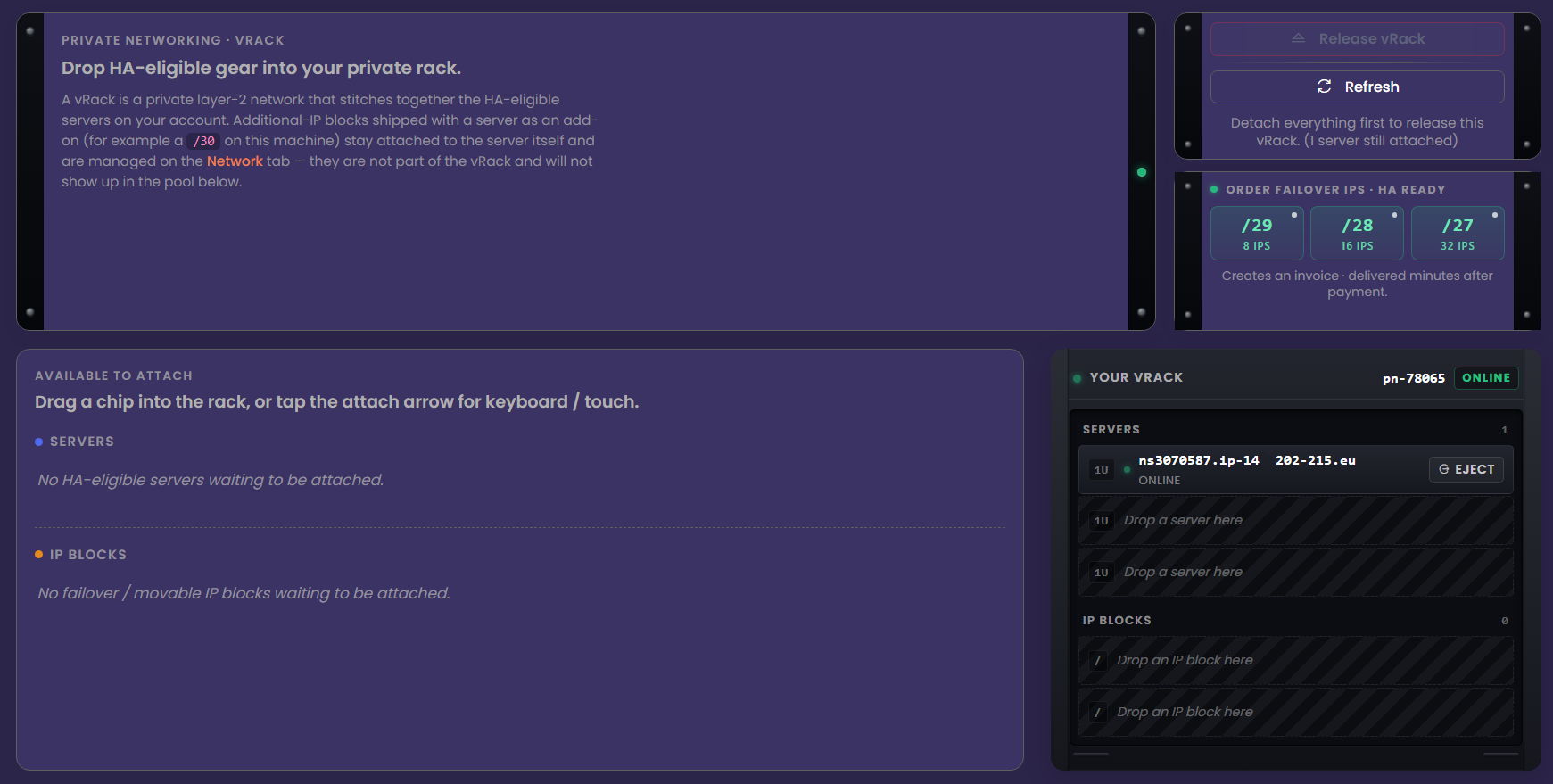](https://docs.f2h.cloud/uploads/images/gallery/2026-04/96jnocvrack.png)