
KVM/IP
KVM/IP
KVM/IP provides remote access to your physical server over the internal management network. It allows you to interact with the machine as if you were physically in front of it, making it ideal for tasks such as modifying BIOS settings or installing an operating system from an ISO.
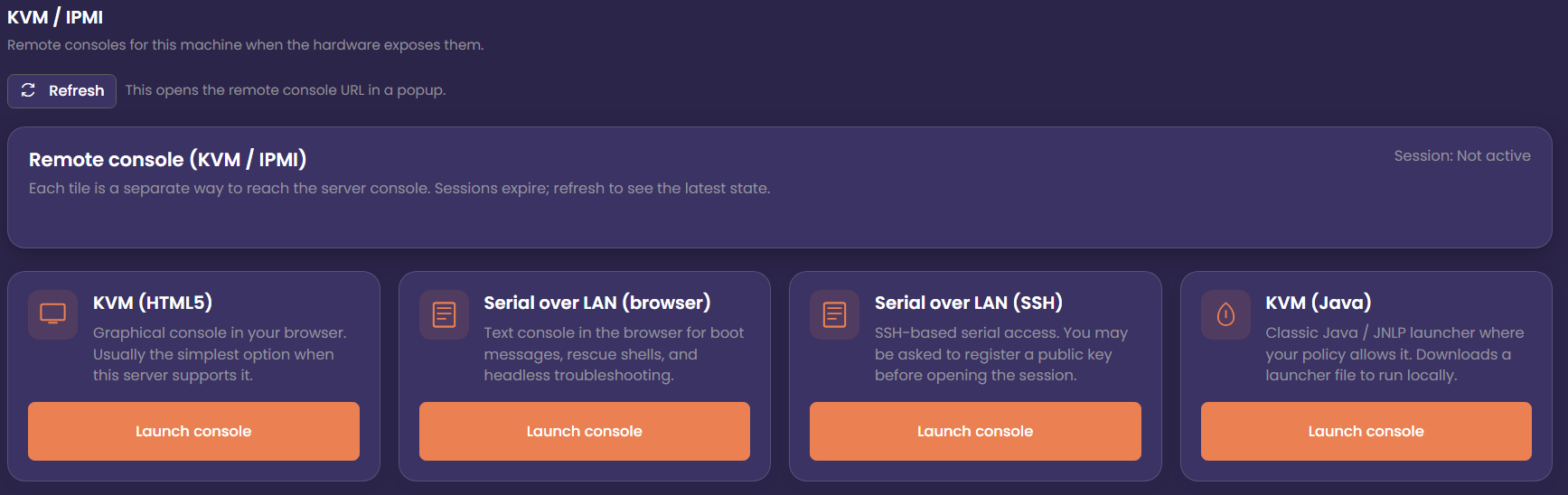
KVM HTML5
HTML5 consoles are generally the most convenient option, offering graphical access, keyboard and mouse control, and the ability to mount ISO images directly from your browser. Because they run natively in modern browsers, they avoid compatibility issues found in older Java‑based consoles and typically offer smoother performance and better security.
Serial Over LAN (SoL)
On supported servers, Serial Over LAN provides a lightweight, text‑based console that exposes the server’s serial interface over the network. It’s especially useful for environments that don’t require full graphical access, such as Linux installations, bootloader troubleshooting, or low‑bandwidth remote management. SoL remains responsive even when the system is under heavy load or when graphical consoles fail to initialise.
Java Console
Some servers also offer a Java‑based remote console. This provides a full graphical interface similar to traditional KVM/IP, allowing you to view the screen output, interact with the BIOS, and mount ISO images. While older in design, the Java console can be a reliable fallback when browser‑based KVM/IP options are unavailable or incompatible with certain hardware generations.