Server Network
Network
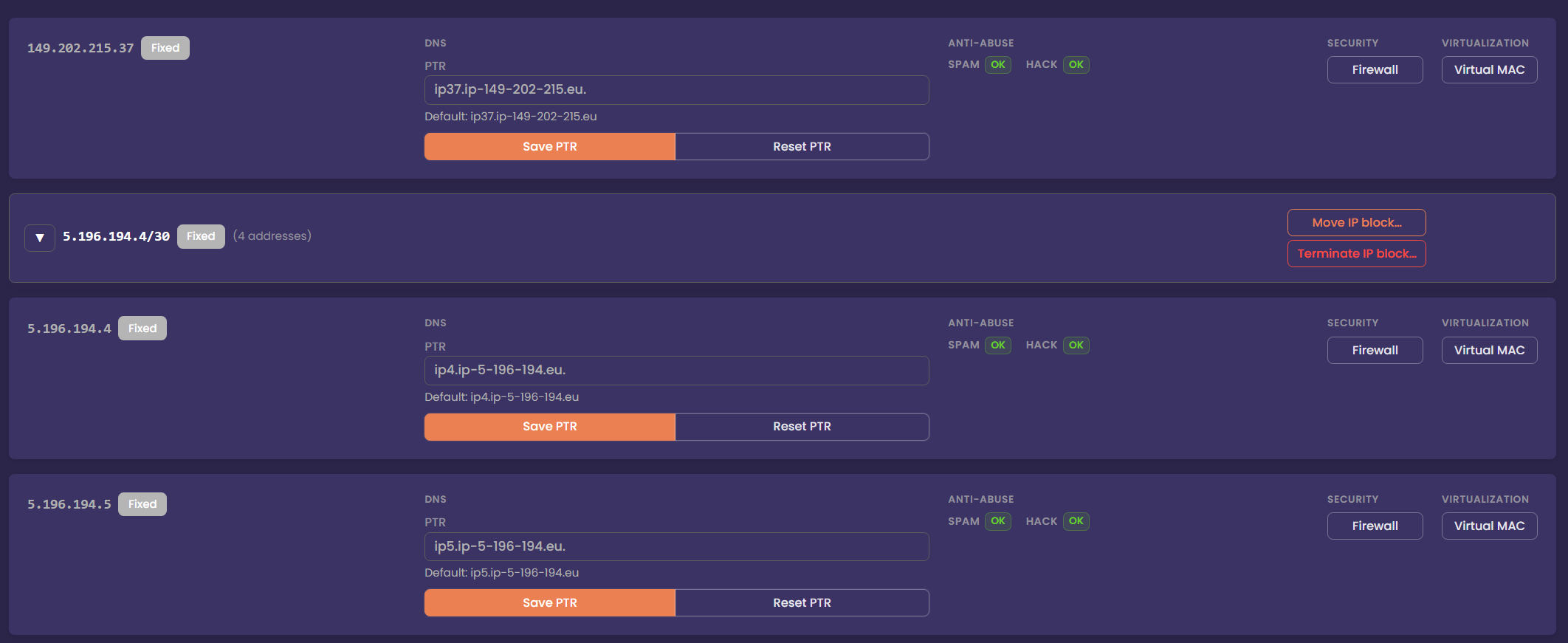
The Network tab is where you can view and manage both Fixed and Failover IP blocks assigned to your server.
A Fixed IP block is permanently bound to a single server but can be moved to other compatible servers. These addresses remain attached to the same machine at all times and are typically used for services that do not require high availability or mobility.
A Failover IP block, on the other hand, is designed for flexibility. These IPs can be attached to multiple servers simultaneously when used with a Virtual Rack. This allows you to move services between servers, build high‑availability clusters, or perform maintenance without changing your public IP addresses. When a failover block is reassigned, routing updates are applied automatically to ensure traffic reaches the correct server.
Reroute IP Blocks
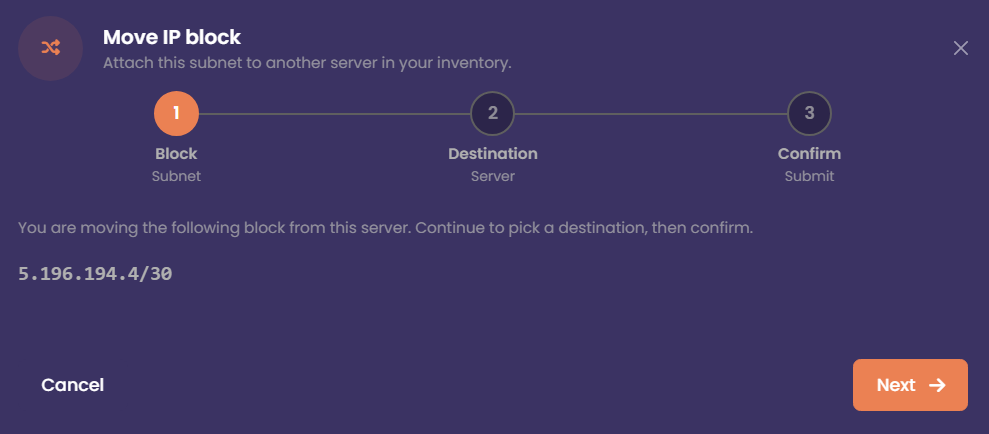
If you have multiple servers, you can move Fixed IP blocks between them. Fixed blocks can be reassigned to any server within the same region, regardless of the specific zone in which it is located.
For Failover IP blocks that are part of a vRack, the rules are even more flexible. These IPs can be attached to any server within the same vRack, regardless of region or zone. This makes failover blocks ideal for high‑availability setups, load balancers, or environments where you need to move services between servers without changing public IP addresses.
Security
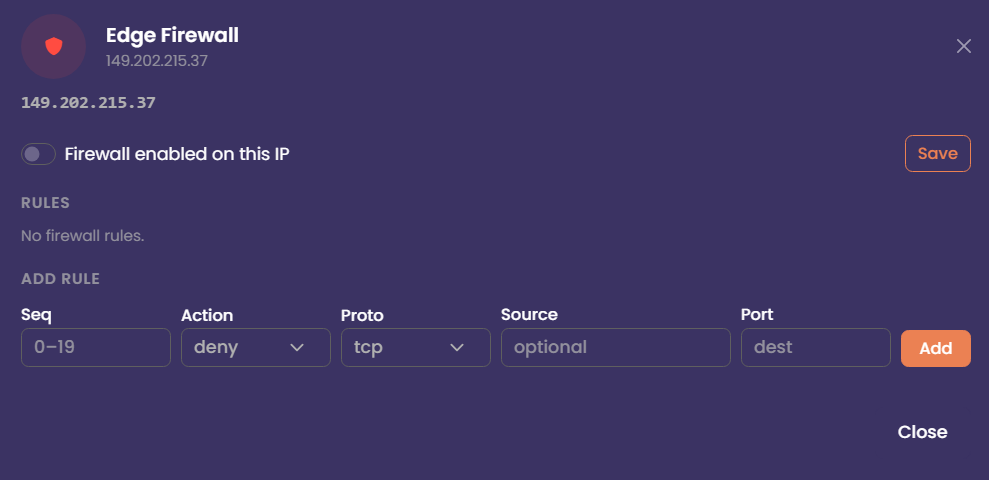
Edge Firewall
The Edge Firewall sits at the boundary of the data centre where your server is hosted. Its purpose is to protect and control incoming traffic before it reaches your infrastructure. By configuring rules on the Edge Firewall, you can block or filter connections at the network perimeter, preventing unwanted traffic from ever reaching your servers. The Edge firewall deals with incoming public traffic only.
Virtualisation / DHCP
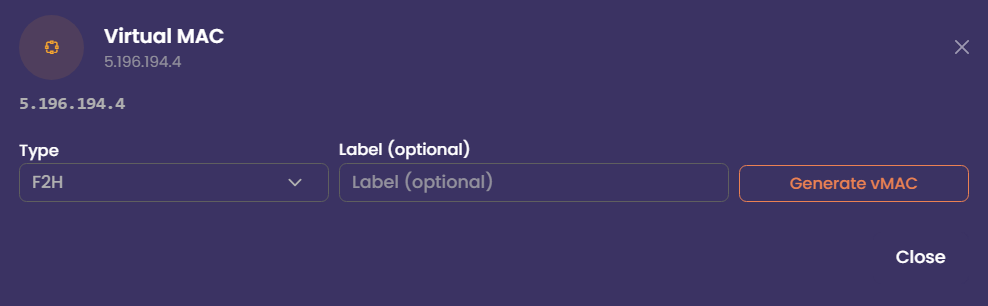
Virtual Mac Addresses
If you plan to use your server for virtualisation, you can configure networking in one of two ways: routed or bridged.
In a routed configuration, your IPs are routed directly to your server’s main IP. This is the recommended method for most hypervisors, as it avoids MAC‑address restrictions. Each virtual machine is assigned an IP from your routed block, and traffic flows through your host.
In a bridged configuration, your virtual machines appear directly on the network as if they were physical servers. This requires MAC addresses to be registered. Mac addresses can be generated from the Network tab. If you intend to use VMWARE. Use the VMWARE mac address option.