Order & Configure vRack With Private Networking
vRack Overview
vRack is a private Layer‑2 networking feature that allows you to interconnect multiple servers across the First2Host network using an isolated, non‑routed VLAN. It behaves like a virtual switch that spans racks, datacentres, or even regions (depending on your deployment), giving your servers a secure and dedicated internal network.
Core Characteristics
-
Layer‑2 private network: vRack operates at Layer 2, meaning your servers appear to be on the same virtual switch regardless of their physical location.
-
Isolated VLAN per customer: Each vRack is assigned a unique VLAN ID, ensuring traffic isolation from other customers.
-
No public routing: Traffic inside the vRack never touches the public internet. It is not NATed, filtered, or rate‑limited.
-
Supports IPv4 and IPv6: You can assign private IPv4 ranges (e.g., 10.0.0.0/24) or IPv6 ULA ranges to your internal network.
-
Cross‑server communication: Ideal for clusters, load balancers, database backends, storage nodes, and any architecture requiring east‑west traffic.
How vRack Works
When a vRack is ordered and attached to your server:
-
A private interface is created Usually named
eth1orensXdepending on the OS and NIC enumeration. -
A VLAN tag is applied Your server receives a dedicated VLAN ID that isolates your private network.
-
You assign your own private IPs We do not configure private addressing for you — you choose the subnet and configure it inside the OS.
-
Traffic flows only between servers in the same vRack No routing to the public interface occurs unless you explicitly configure it.
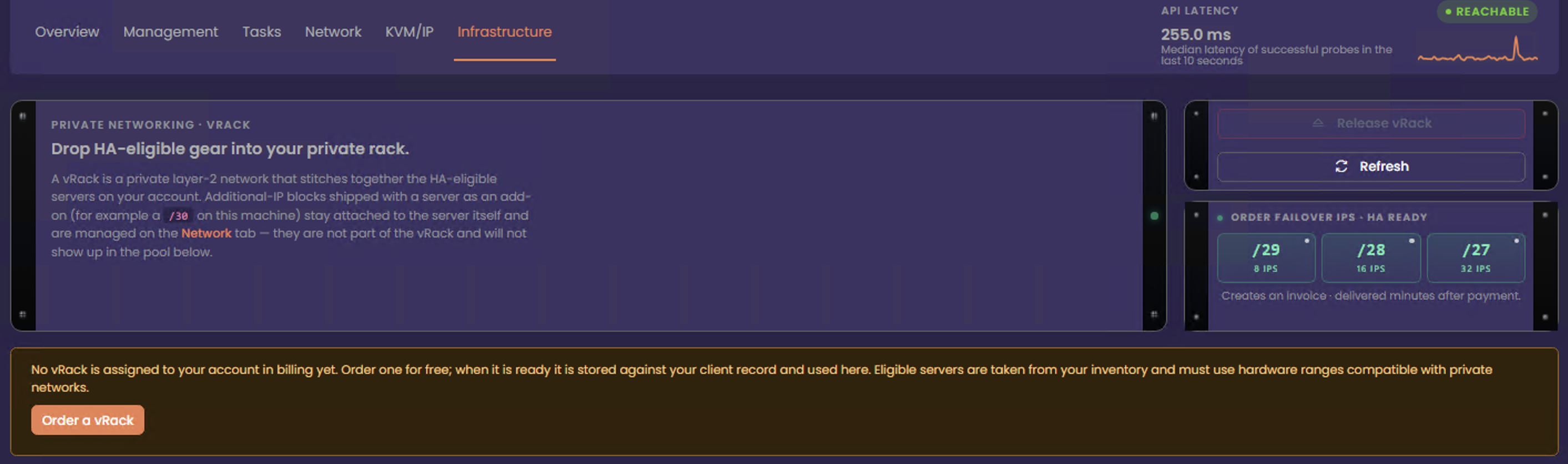
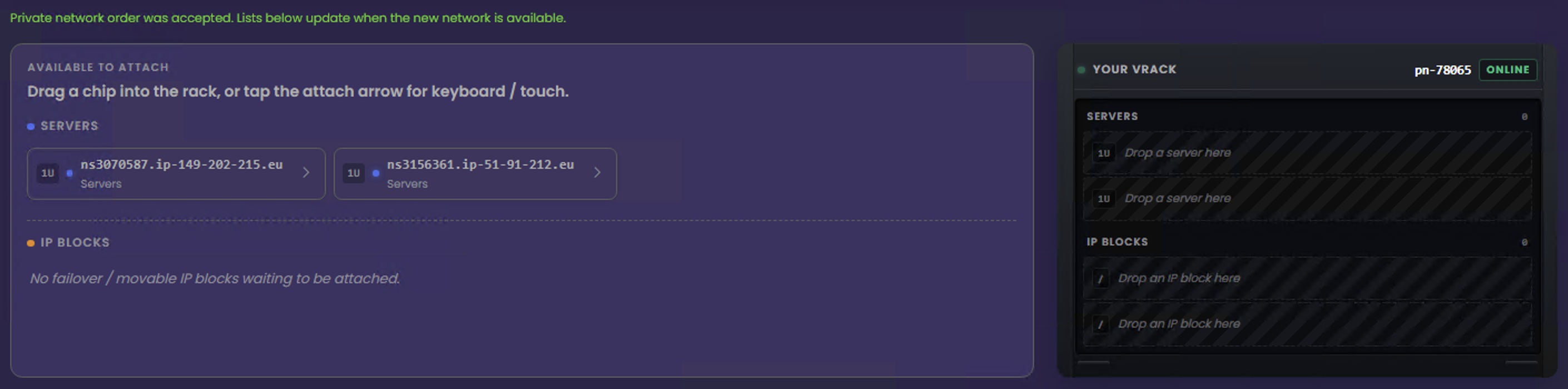
Order vRack
You can order a vRack when you have two or more High Availability–compatible servers in your account. Servers that support High Availability are labelled “HA”.